Dealer Center

The PortaFab Dealer Center is intended to provide dealers with quick links to materials and information that will assist in the proposal writing and selling process. We also send periodic e-newsletters to keep dealers informed about current events and new products at PortaFab, issues in the market, and new case studies.


Literature & Sell Sheets

Downloadable copies of our printed literature as well as numerous printable sell sheets are available in our Literature Center.

New Cleanroom Catalog

New PortaMax Sales Slick

New SteelSpan Sales Slick

New PreAssembled Booth Sales Slick


Case Studies

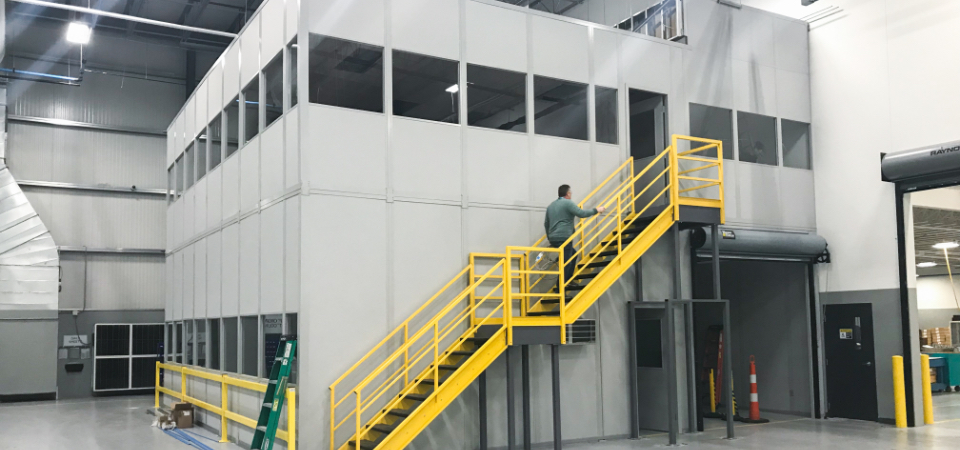
Utilizing examples of past work can be one of the most effective methods for showing potential customers the wide variety of uses for modular construction. All case studies are published on our website and each page has a link to a downloadable and printable 1-page sheet that can be used in sales presentations.

Visit our case studies page


Click to Download
Case Study Worksheet

Submit a Case Study

Dealer Case Study Worksheet

If you are a PortaFab Dealer or Partner Contractor and would like to submit a Case Study, please download and complete the attached Worksheet and forward to your PortaFab representative. If you have pictures of the construction or finished room/building and can secure permission for us to use these, please provide this information as well.


Dealer e-Newsletter

Stay informed about current events and new products at PortaFab, issues in the market, and new case studies.

Sign up for our Dealer Newsletter - Click Here


Drawings & Specifications

Specifications in Microsoft Word and Acrobat (.pdf) formats as well as CAD drawings in AutoCad (.dwg) and Acrobat (.pdf) formats are available for download on their respective sites.


Installation Instructions

We are confident that our distributor network is the finest in the industry and that with over 500 of them on our team, we are sure to have an expert in your area that can aid in designing, specifying, and installing the best modular system for your needs.

If you will be installing, assembling, or relocating your modular office without the help of one of our distributors, you can download this Installation Brochure for guidance.

OmniFlex 300 Installation Manual Page


Interactive Room Planner

Our Interactive Space Planner is a powerful tool to help you prepare quick, professional sketches for potential clients. It is accessible from the PortaFab website if you want to let your clients use it as well.

Visit Interactive Room Planner Starting Page


Approval Drawings

Avoid communication errors by using PortaFab approval drawings. These drawings provide a complete set of details for customer and distributor approval.